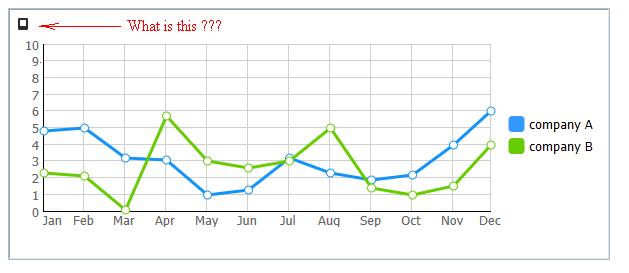
Hi a have a strange square in IE10
Can you help hide this square ???
Hi
We’ve tested it on our online samples in all IE version - there is no such symbol.
Can you provide sample or direct link?
docs.dhtmlx.com/doku.php?id=othe … leted_demo
there is complete demo
and another moment , when i choose in browser option don’t show images, i have same square on the places when must be a image on page, but what image he can search on graph ???
complete demo.rar (24.6 KB)
i download dhtmlxsuite from the your site and try open sample 05_series.html on another computer with IE 10, and get same square in the graph like on my screenshot
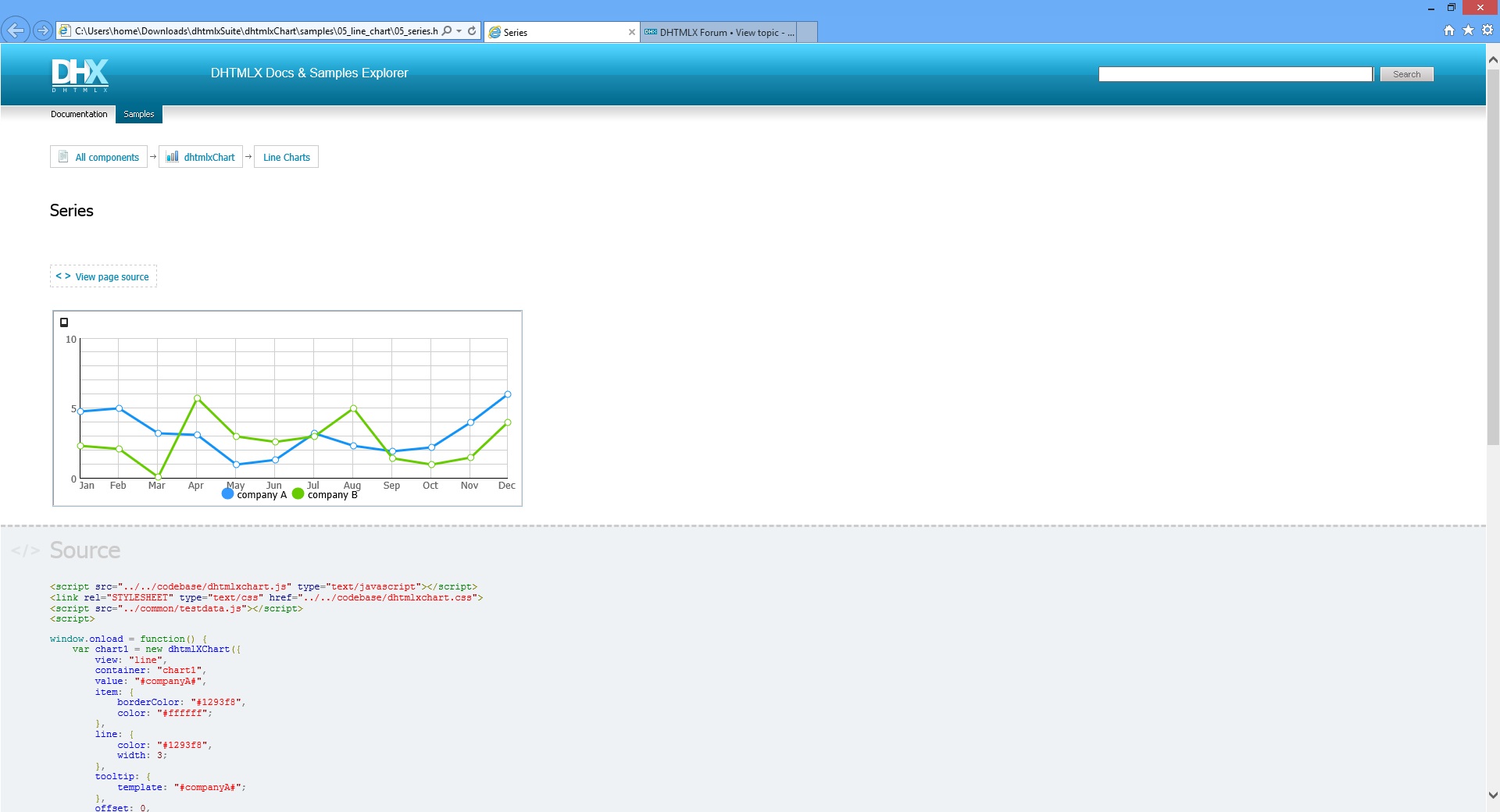
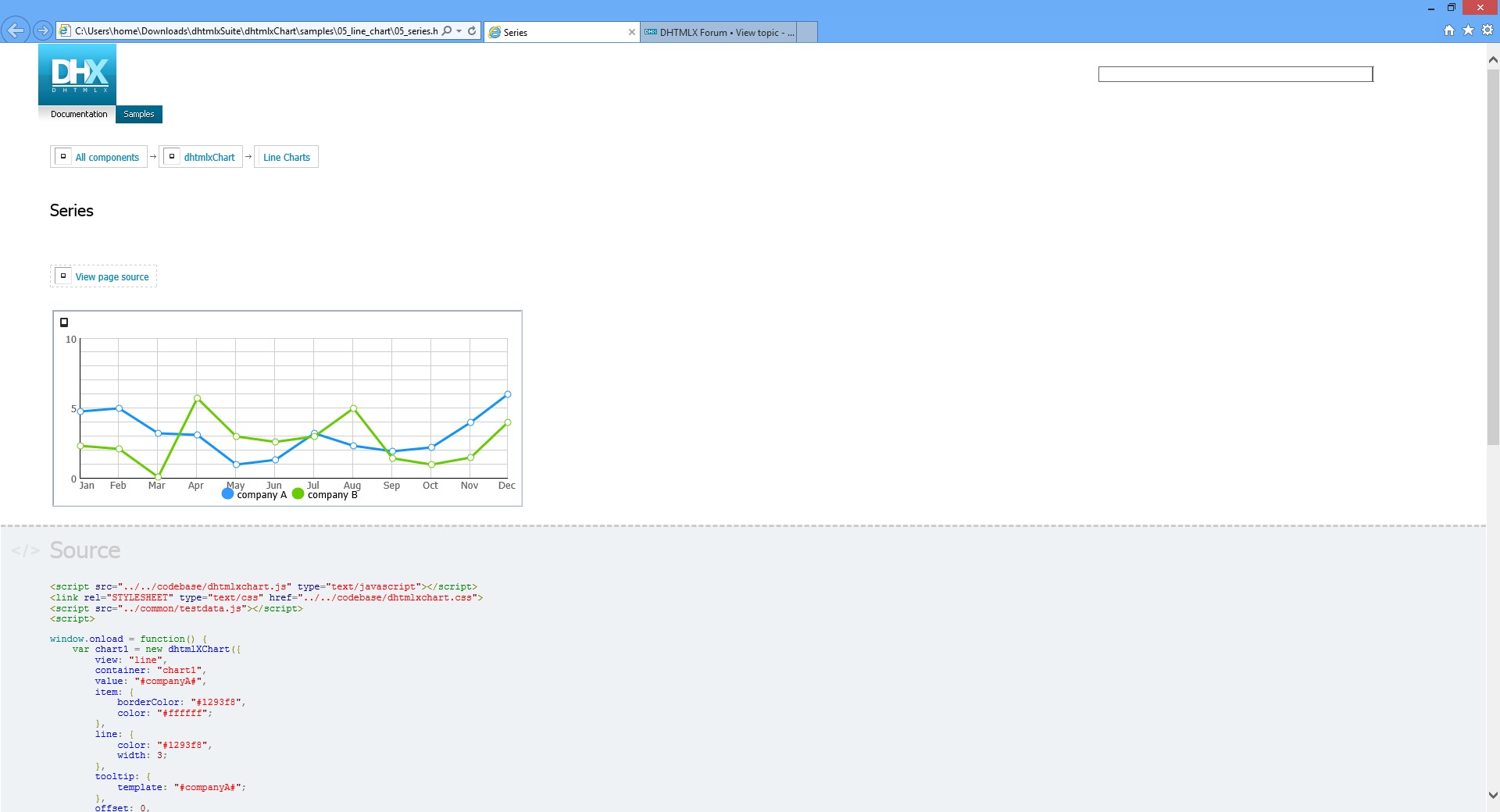
I add 2 screenshot from another comp with IE10
first 1.jpg with default options in the ie browser option
and the second 2.jpg when I off option “show image” in IE10, you can see that instead images on page shows black square like in chart, but what image he want load on the chart ?
hi it looks like that error in this function in the dhtmlxchart.js
[code] render:function(obj){
var d = dhtmlx.html.create(“DIV”);
d.style.cssText=“position:absolute; width:100%; height:100%; top:0px; left:0px;”;
obj.appendChild(d);
var src = dhtmlx._isIE?"":“src=‘data:image/gif;base64,R0lGODlhEgASAIAAAP///////yH5BAUUAAEALAAAAAASABIAAAIPjI+py+0Po5y02ouz3pwXADs=’”;
d.innerHTML=""+this._map.join("\n")+"<img “+src+” class=‘dhx_map_img’ usemap=’#"+this._id+"’>";
            obj._htmlmap = d; //for clearing routine

            this._map = [];
    }
_____________________________________[/code]
IE10 can’t show img
maybe problem in src=‘data:image/gif;base64,R0lGODlhEgASAIAAAP///////yH5BAUUAAEALAAAAAASABIAAAIPjI+py+0Po5y02ouz3pwXADs=’"; ??? i use encoding utf-8 on page
hi i create blank gif 18*18px and change code in dhtmlxchart library
<img “+src+” class=‘dhx_map_img’ usemap=’#"+this._id+"’>";
to
<img ‘/images/blank.gif’ class=‘dhx_map_img’ usemap=’#"+this._id+"’>";
and problem with black square will be solved
Hi,
yes, there is such a problem. Please use the attached dhtmlxchart.css instead of the original.
dhtmlxchart.zip (715 Bytes)