Hello Siddhesh,
Gantt performance depends not only on the number of tasks and links, but also on the enabled features.
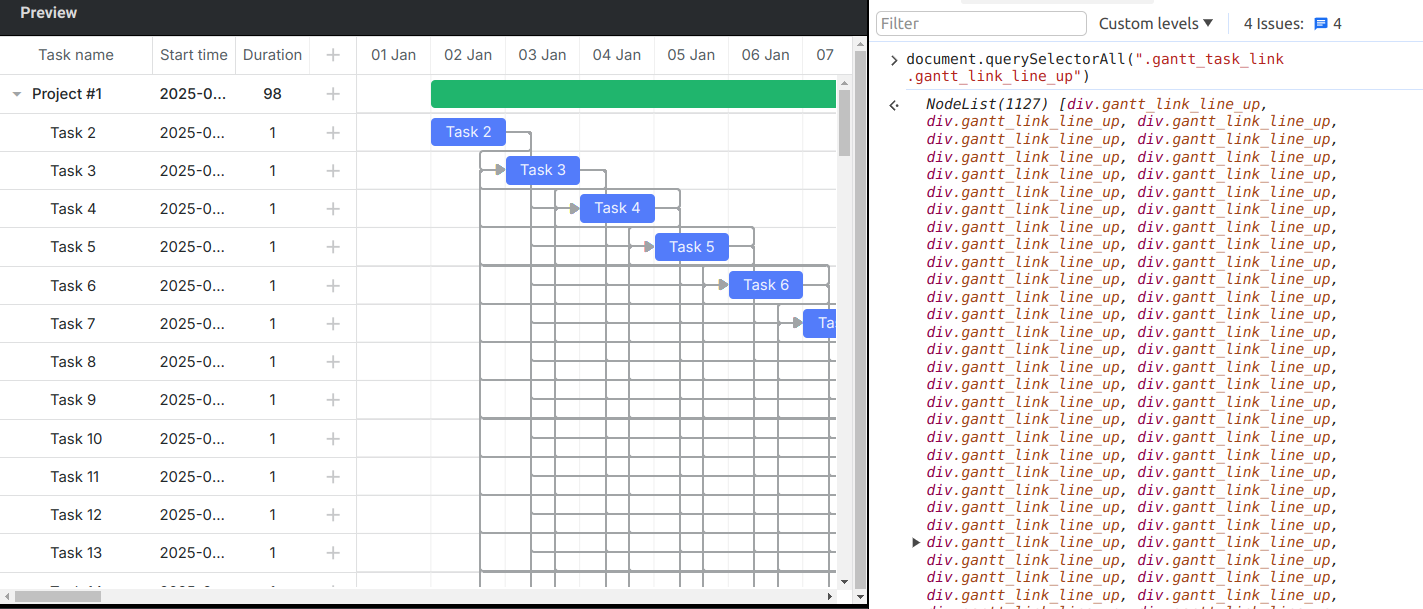
I don’t see any issues in the following samples when I add 5000 tasks and links:
Probably, the issue is related to the Gantt configuration, but it is hard to suggest what might be wrong as I don’t see your code.
Please add your configuration to the following snippet and make sure that the issue is reproduced there:
Then, click on the Save button and send me the link.
Or send me a ready demo with all the necessary JavaScript and CSS files so that I can reproduce the issue locally.
Hello,
Thank you for sharing an example.
I see that there is a performance issue when I try to scroll Gantt and interact with it, but is that a realistic scenario? The links are created in a way auto-scheduling would never work because the tasks are linked to themselves and there are cycles between tasks.
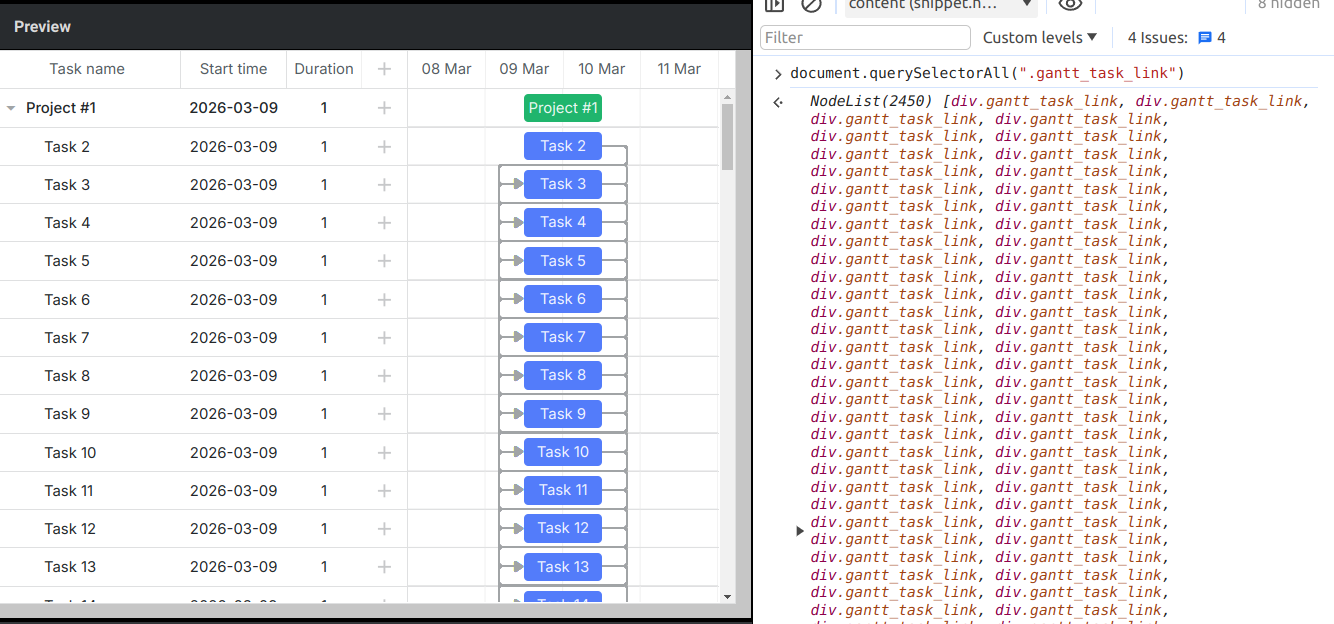
Also, let me explain how the smart rendering works. Gantt renders only the task rows and task bars in the viewport. As for the links, Gantt renders a link if at least one task is inside the viewport or the link crosses the viewport horizontally or vertically. In the snippet you shared, there are 2450 DOM elements of the links:
However, I agree with you that this should be fixed as in the 8.0 and 7.1 version even scrolling Gantt works faster. In the future, the dev team will fix the bugs related to auto-scheduling. But unfortunately, I cannot give you any ETA.
Hello, thanks for your reply. We have this specific issue with XER files coming from Primavera. We can have scenarios with up to 10,000 tasks and 30,000 links. We don’t use auto‑scheduling, and we are experiencing the same issue as in the example I showed you.
Also, when trying to shift a task, the screen becomes blocked (frozen).
Hello,
Thank you for the clarification.
Can you share a test Primavera file so that I can attach it to the issue in our internal bug tracker? This will help the dev team to test the import and export of a larger file as well.