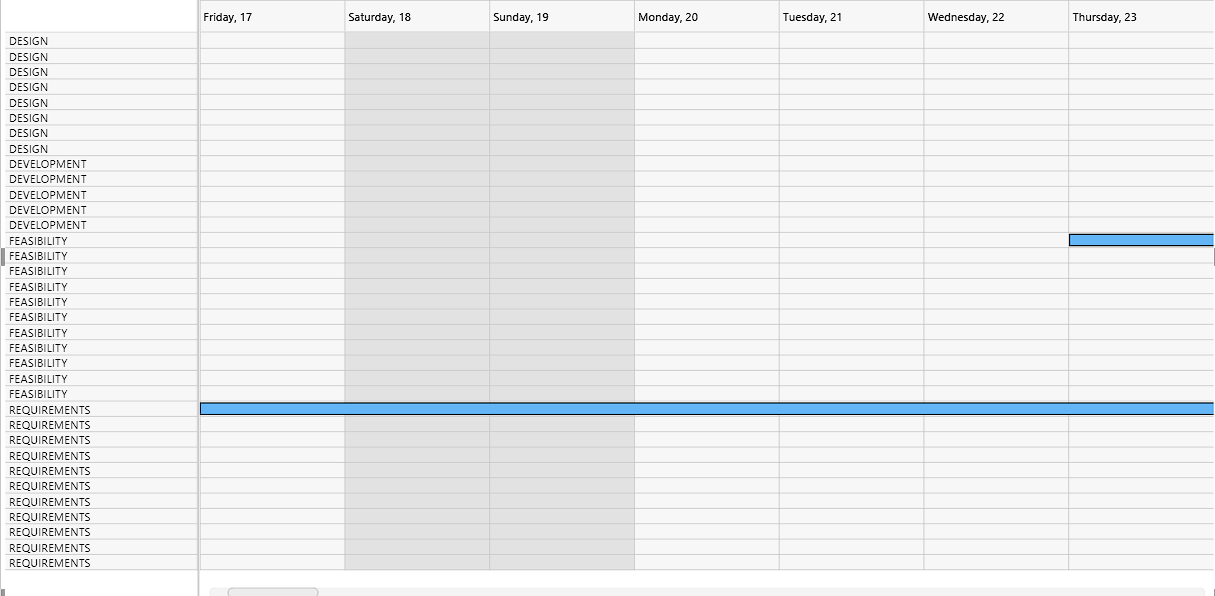
I have the project startDate as ‘Feb 17 2017’ and endDate as ‘Apr 27 2017’ .
I have some options where user can select zoom unit, zoom range and zoom anchor.
Ex: zoom unit = ‘week’, zoom range = ‘1’ and zoom anchor = ‘start_date’
Hello Ram,
Gantt doesn’t have a built-in config for that, but you can implement it by using the Gantt API and Javascript.
You can use the zoom extension that allows switching to different scales:
To change the displayed date range, you need to specify both the gantt.config.start_date and gantt.config.end_date parameters:
There is an official sample where you can switch to different zoom levels:
Here is another example where you can change the displayed date range:
The following example can help you to start implementing your solution:
However, Gantt doesn’t have the “second” scale and unit. You will need to implement it manually.
The following article explains how to create a custom time unit:
Also, after you drag a task, Gantt will round the date to the nearest scale cell. And if you disable that, Gantt will round it to the nearest hour. So, you will need to revert the changes. You can do that by saving the dates in the onTaskDrag event handler and restoring them in the onAfterTaskDrag event handler:
Here is an example of how it can be implemented:
Also, we have a lower priority for the questions on the forum and below the documentation articles. If you want to get the answer earlier, you can submit a support request via email. Usually, we answer the questions in the support requests winthin 24 hours on business days.
Get a guaranteed answer from DHTMLX technical support team
under the most suitable support plan